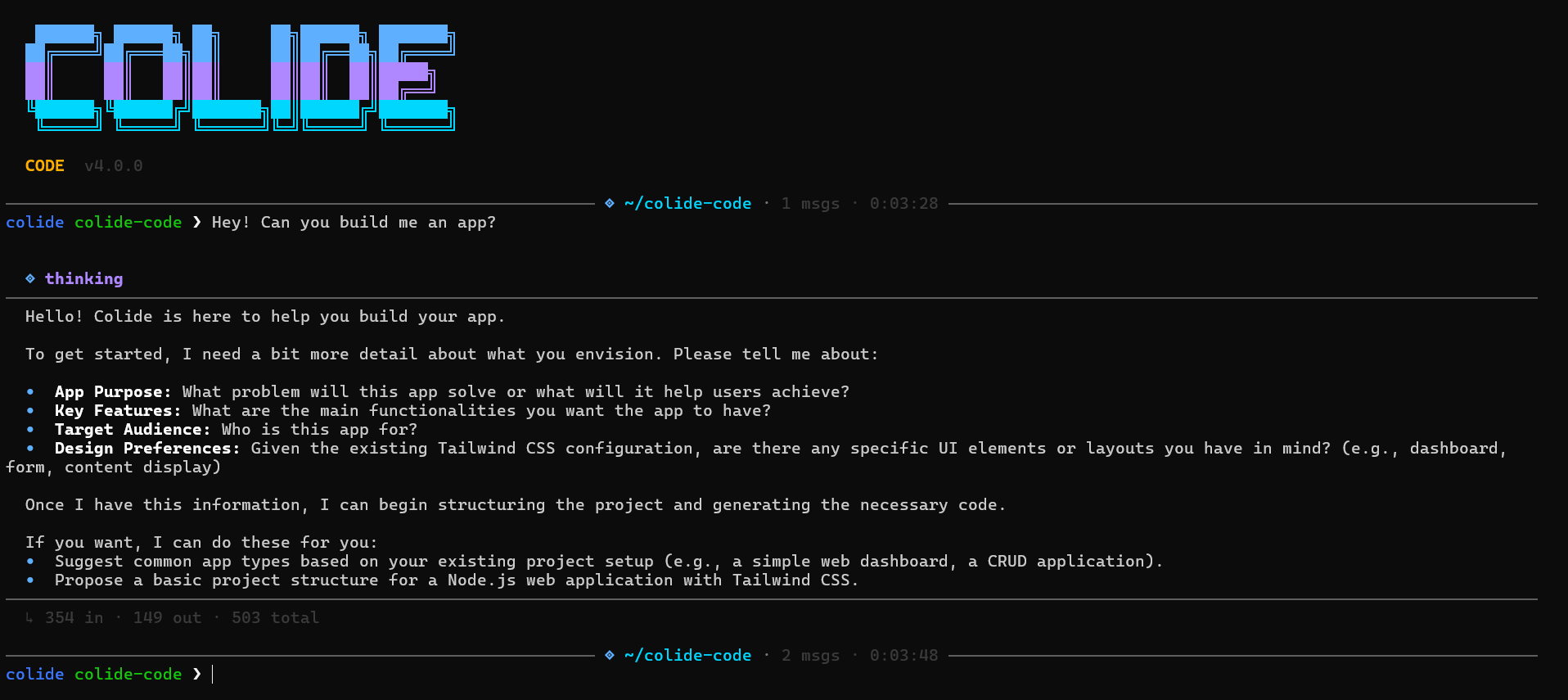
Colide Code v6.0

The terminal IDE that
thinks and acts.

Colide Code reads your codebase, understands the problem, writes the fix, runs it, reads the result — and loops until it's perfectly resolved.

~/projects/myapp running
Colide Code interface

It loops until it's right.

Unlike tools that blindly generate code, Colide Code runs an autonomous loop — executing and verifying until the outcome exactly matches your intent.

1. Read
Scans your entire codebase and context natively.
2. Analyze
Understands the architecture and plans fixes.
3. Act
Applies surgical patches and executes commands.
4. Observe & Repeat
Reads CLI outputs and seamlessly loops if errors persist.

It doesn't just write.
It executes.

Colide Code natively runs your commands, installs dependencies, reads runtime errors, patches files, and re-runs tests. Tell it what you want, and watch it orchestrate the solution autonomously.
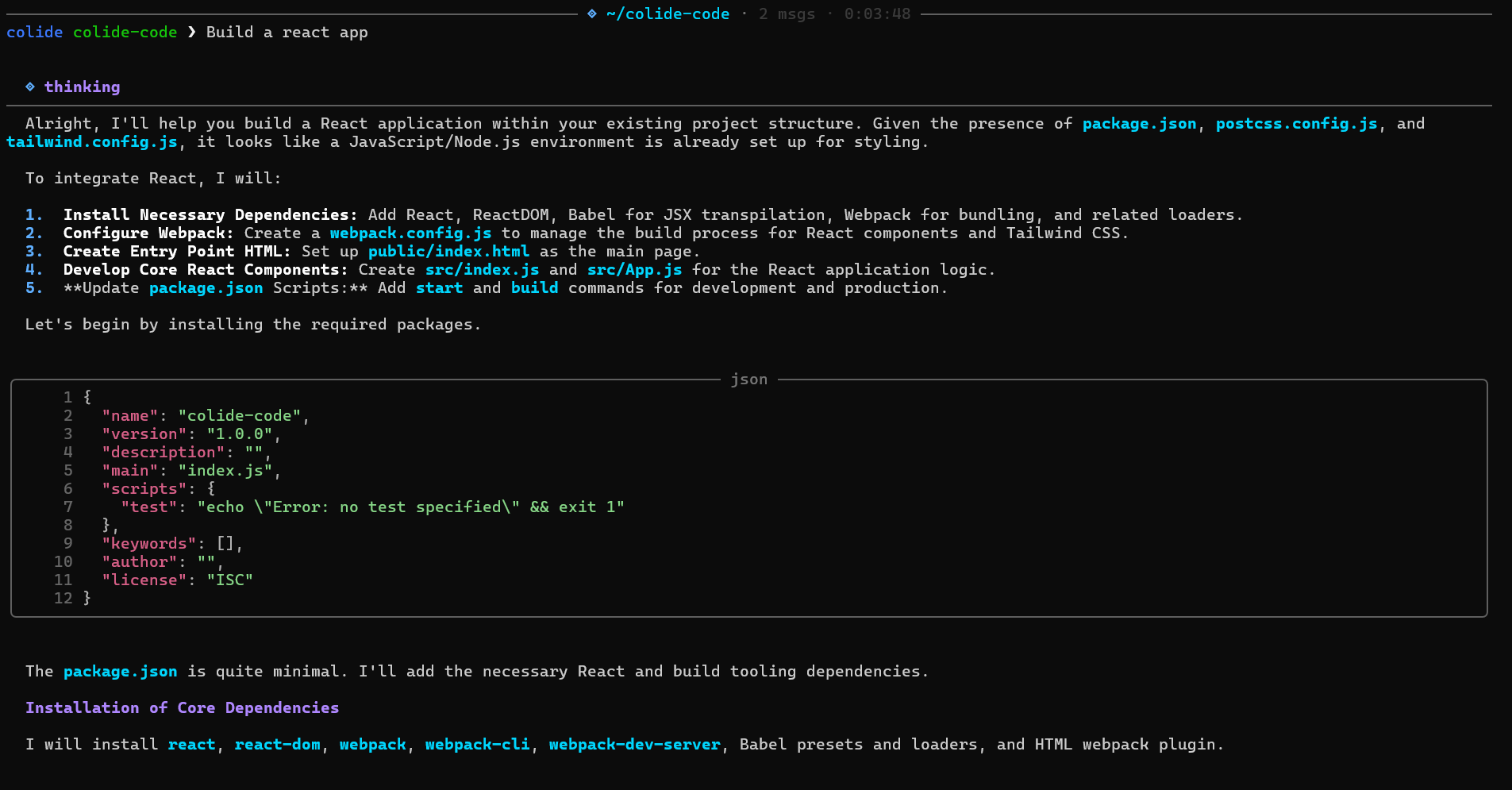
Auto-installs missing packages
Reads logs and rewrites fixes
Live command streaming
⚡ executing · npm test
Execution

A terminal UI that feels
nothing like a terminal.

Rich syntax highlighting, real-time diffs with red/green line indicators, animated spinners, and context-aware tab completions—bringing premium IDE polish straight into your shell.
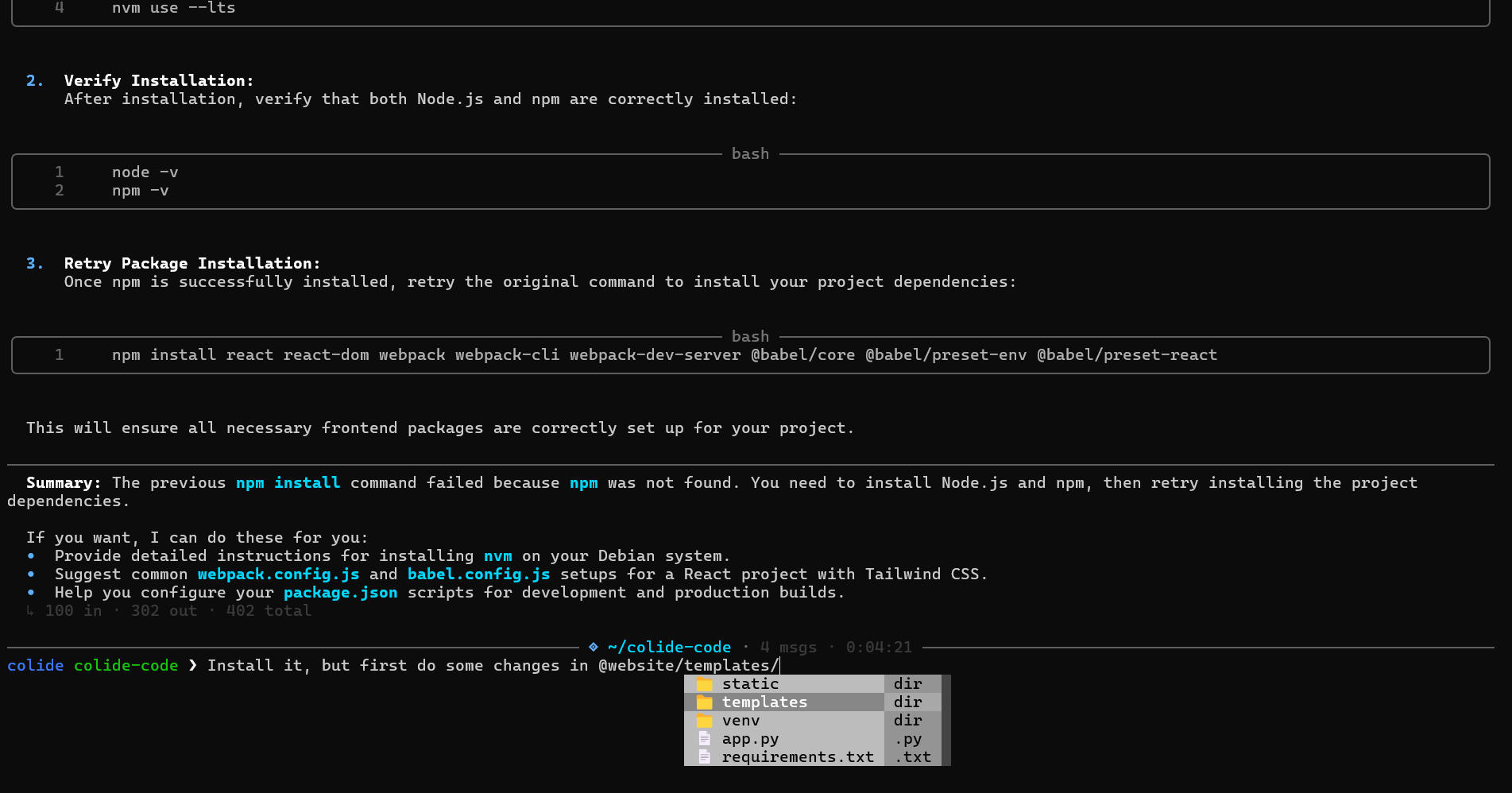
Surgical line-level PATCH diffs
@file and @image context sharing
Smart path autocomplete
🩹 patch applied
UI

In a different league.

Compared to Claude Code and standard CLI tools.

Capability Colide Code Standard Tools
Execution Loop
Reads output & self-corrects
Single-pass generation
Context Window
700K tokens (Colide Pro)
200K / 32K limit
File Editing
Surgical line diffs
Full file rewrites
UI Experience
Rich UI, colors, tabs
Plain text
Shell Integration
Runs native terminal cmds
External terminal needed

Ready to build faster?

Download Colide Code for your OS and connect it to your workspace in seconds.

Download App
macOS, Windows, Linux
Read Documentation

Questions answered.

Colide runs an autonomous loop — executing your code, reading the actual terminal output, detecting failures, and re-writing fixes automatically until successful.
It loops intelligently. It evaluates output after every action. On failures, it auto-retries up to 3× with different strategies. You can easily interrupt with Ctrl+C at any time.
It's powered by Colide Pro — Shulker's proprietary model with an expansive 700,000 token context window, available seamlessly via the Shulker ecosystem.
Yes. Only contexts directly related to your prompt or the AI's diagnostic queries are analyzed. All sessions are encrypted and securely tied to your user account.